Enterprise staging and preview environments for modern software teams
VeilStream is a hosted platform that makes it easier than ever to launch secure staging and preview environments for full-stack applications.
Give every developer and AI agent access to production-like environments with sanitized data, secure URLs, automated cleanup, and support for complex multi-repo applications.
Why Teams Choose VeilStream
-
Deploy secure staging and preview environments from your repo in minutes
-
Support full-stack applications, databases, and multi-repo projects without platform lock-in
-
Seed environments with sanitized data from production through our database proxy
-
Enable developer and AI agent workflows with manual, CI/CD, and MCP control
-
Scale parallel deployments with automated shutdown and cleanup to control costs
How it Works
1) Create a free account by signing in to to app.veilstream.com using your GitHub account for authentication. No credit card required for our 30-day free trial.
2) Set up your first project. You will need to authorize the VeilStream App in GitHub the first time that you set up a project.
3) Select the repo(s) that you would like to deploy. Each repo will need a Docker Compose file and we support full-stack and multi-repo projects. There are no VeilStream specific requirements for your Docker Compose file. Try forking the https://github.com/veilstream/docker-example project if you want to get up and running with a sample repo.
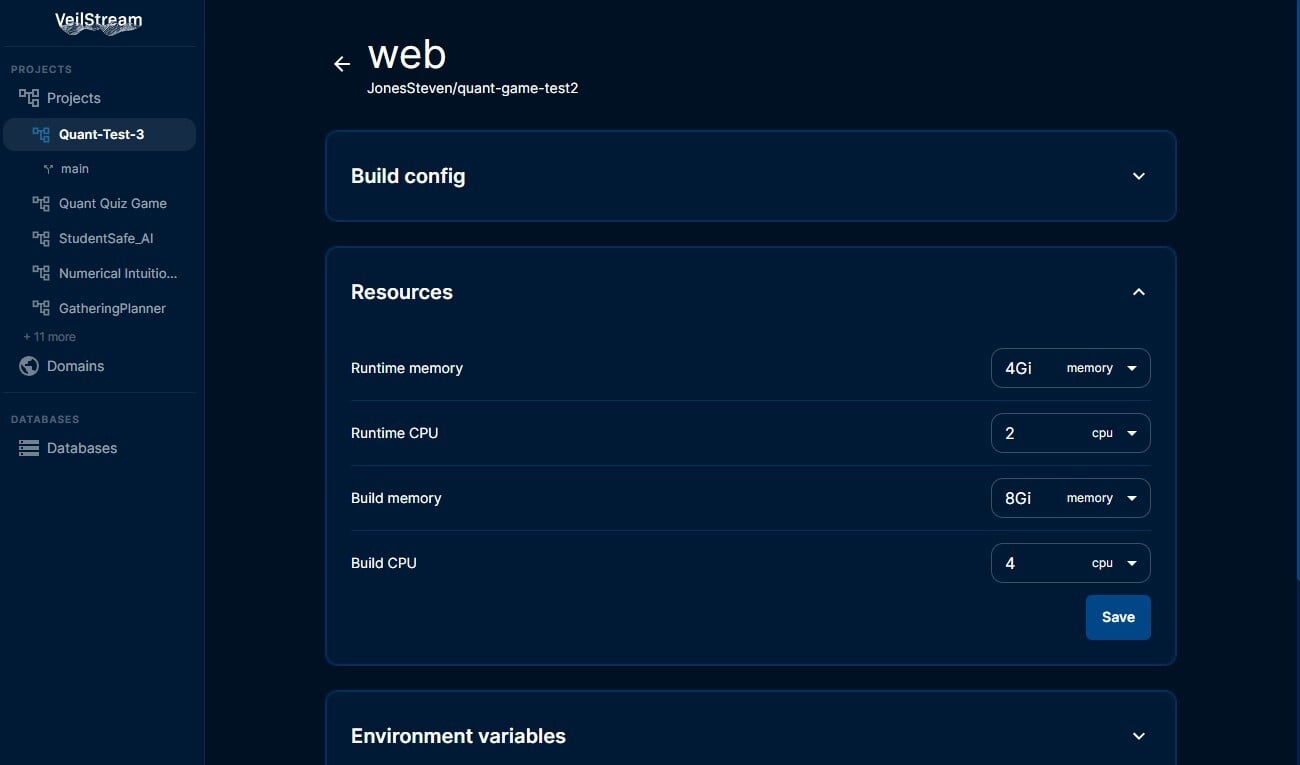
4) You can then proceed directly to deploy the project, or adjust settings. Settings can be used to add an authentication page in front of the deployment, to specify environment variables, to adjust build/run-time resource allocations, to configure the URL format, and to adjust the duration of the deployment.
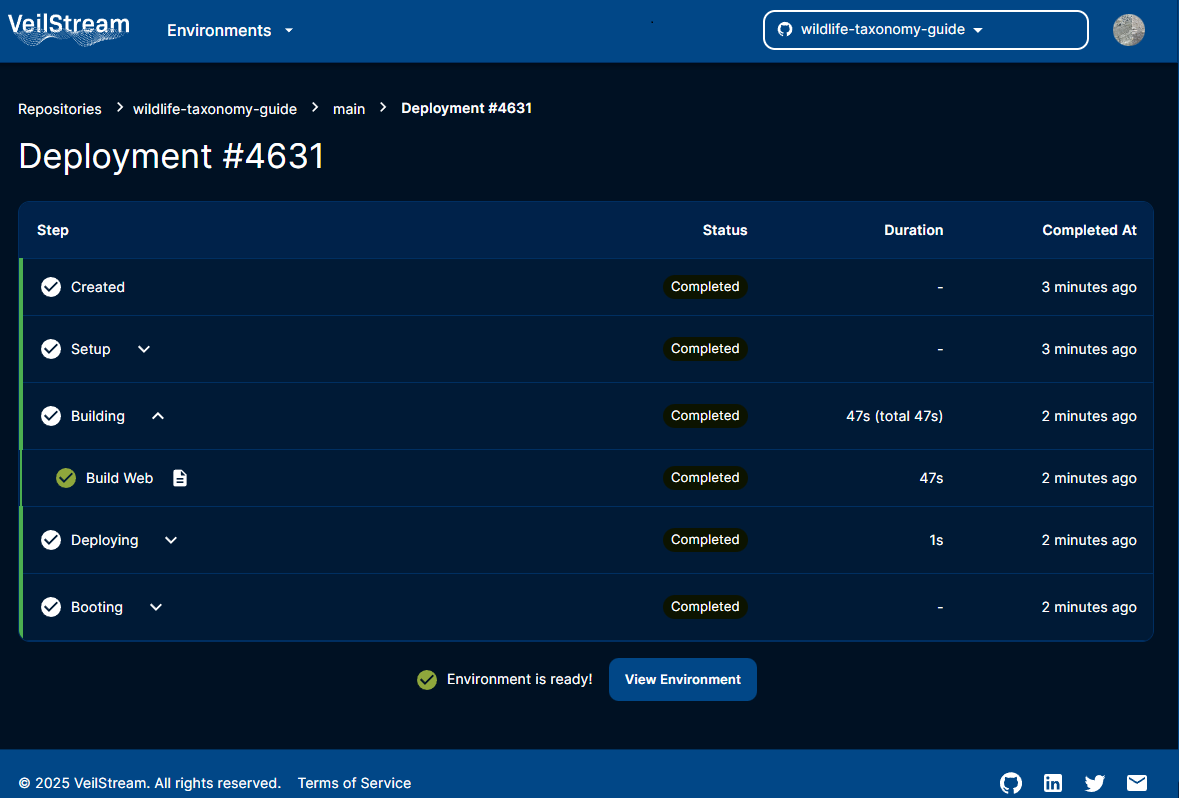
5) Deploy manually, based on actions (commits, etc.) or through our MCP server. There is no limit on the number of deployments you can run in parallel.
6) If you have an existing database that contains sensitive fields that are not appropriate for use in staging/testing/preview environments, you can leverage our database proxy. This proxy utility can be installed on your infrastructure or hosted by VeilStream and configured to filter out or anonymize sensitive data. For read-only applications, you can then connect directly through the proxy. For read-write applications, you can use the proxy to seed your environment with safe data for testing that matches your production schema precisely.